

Elementor, Divi, Beaver Builder — these tools built millions of websites. Here’s why I moved away from all of them, and why it made every site I build measurably faster.
When I started building WordPress websites, page builders were the obvious choice. Drag-and-drop interfaces, visual previews, hundreds of pre-built templates — they made it possible to build good-looking websites quickly, and clients loved the results.
But there was always a catch. No matter how well I optimized everything else, page builder sites had a performance ceiling I couldn’t break through. The scores were okay. Never great. And “okay” wasn’t good enough for me.
So I made the switch to building exclusively with the WordPress block editor — specifically with GeneratePress and GenerateBlocks — and the difference in performance scores was immediate and significant. I haven’t looked back.
The real reason page builders are slow
Page builders aren’t slow because they’re poorly made. Most of the major ones are built by talented teams who care about their product. They’re slow because of an inherent trade-off in how they work.
To give you a visual drag-and-drop interface with hundreds of widget options, a page builder has to load a significant amount of CSS and JavaScript on every page — regardless of whether that page uses those features. You’re loading the whole buffet even if you only ordered one dish.
The block editor works differently. It only loads the assets each specific page actually needs. A page with text and images loads lean code for text and images. Nothing extra, nothing wasted.

The result shows up immediately in performance testing. Same design, built with blocks instead of a page builder, consistently scores higher on every metric — load time, page size, number of requests.
Why this matters more now than ever
Website performance has always mattered for user experience. A slow site frustrates visitors and costs you leads. But since Google made Core Web Vitals a ranking factor, performance has a direct impact on your search visibility too.
Core Web Vitals measure three things: how fast your largest content element loads (LCP), how quickly the page responds to the first user interaction (INP), and how stable the layout is while loading (CLS). Page builder sites consistently struggle with LCP in particular, because of the volume of render-blocking resources they load.
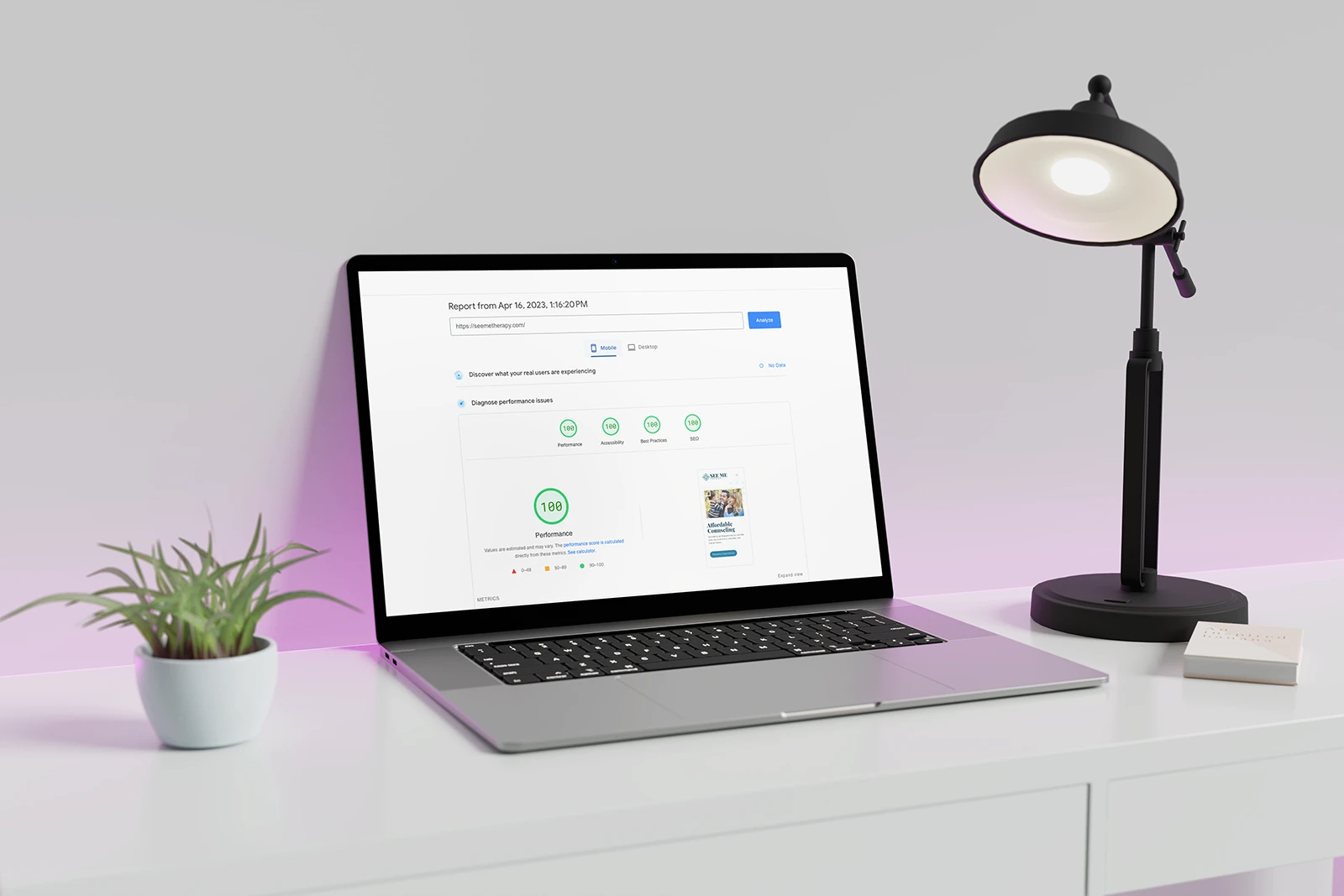
Sites I build with GeneratePress and GenerateBlocks routinely score in the 95–100 range on PageSpeed Insights. That’s not just a vanity number — it’s a competitive advantage in search and a meaningfully better experience for every visitor.
Want to see real numbers? Check out how I increased a client’s performance score by 77% by converting their site from a page builder to blocks — or how another client maximized their SEO investment by making the same switch.
The stack I use: GeneratePress + GenerateBlocks
Not all block-based WordPress setups are equal. The theme and block plugin you choose still matters. I’ve settled on GeneratePress and GenerateBlocks because they share the same performance philosophy I do — and because they’re built by the same team, so they work together without friction.
GeneratePress
GeneratePress is one of the lightest WordPress themes available. Its base footprint is under 30kb — a fraction of what most themes load. It’s modular, so you only activate the features you actually need, and it’s been actively developed and refined for over a decade. It’s the foundation every site I build starts from.
GenerateBlocks
GenerateBlocks has evolved significantly since it launched. What started as a handful of utility blocks has grown into a full site-building toolkit — with container, grid, headline, button, image, and query loop blocks in the free version, plus overlay panels, popups, conditionals, and more in the Pro version.
The philosophy behind GenerateBlocks is the same as GeneratePress: do less, but do it exceptionally well. Rather than shipping 150 blocks that each add their own bloat, GenerateBlocks gives you a small set of highly flexible primitives that can build virtually anything. The output is clean, semantic HTML — not the layers of nested divs and inline styles that most page builders produce.

What about the editing experience?
The honest answer: the block editor has a learning curve. It’s not as immediately intuitive as dragging and dropping in Elementor, and clients who’ve used page builders before sometimes notice the difference when editing their own content.
But for the clients I work with — who want a fast, well-built site and are happy to let me handle the technical side — this tradeoff is worth it every time. And for straightforward content edits (updating text, swapping images, adding a blog post), the native WordPress editor is genuinely easy to use once you know where things are.
The performance gains aren’t marginal. They’re significant and measurable. For any client who cares about search rankings, page speed, or just not frustrating the people who visit their website, blocks win.
Already on a page builder?
If your current site was built with Elementor, Divi, or another page builder and you’ve been watching your PageSpeed scores and wondering why they won’t budge — this is likely a big part of why.
Migrating from a page builder to blocks isn’t something you do by flipping a switch, but it’s a well-defined process and the results are worth it. I offer a dedicated conversion service for exactly this situation — rebuilding your existing design with blocks so you keep the look and feel you have while getting the performance gains that come with a clean foundation.
If you’d like to know what that would involve for your specific site, reach out and I’m happy to take a look.