
Block Editor
Making Your Website Smarter with Display Conditions
Learn how Display Conditions in GenerateBlocks Pro can make your website smarter by showing the right content to the right people at the right time.

Building Overlay Panels with GenerateBlocks
GenerateBlocks Pro 2.3 introduced Overlay Panels — a native way to build popups, mega menus, tooltips, and slide-in panels without extra plugins.

Building a GenerateBlocks Framework
Frameworks don’t have to be intimidating or bloated. By combining variables, classes, and patterns, you can create your own streamlined system right inside GenerateBlocks.

How to Use Popups, Anchored Panels, and Conditions in GenerateBlocks
GenerateBlocks Pro 2.3 adds powerful new tools for building popups, flyouts, and conditional content — all without extra plugins.

How to Build a Mega Menu in GenerateBlocks (Overlay Panels)
Mega menus have finally arrived in the GenerateBlocks ecosystem — and they’re everything we hoped for.

Our Process for Converting Your Website to Blocks
Discover our systematic process for converting your website to a block-based design. Guaranteed for long-term success and a better user experience.

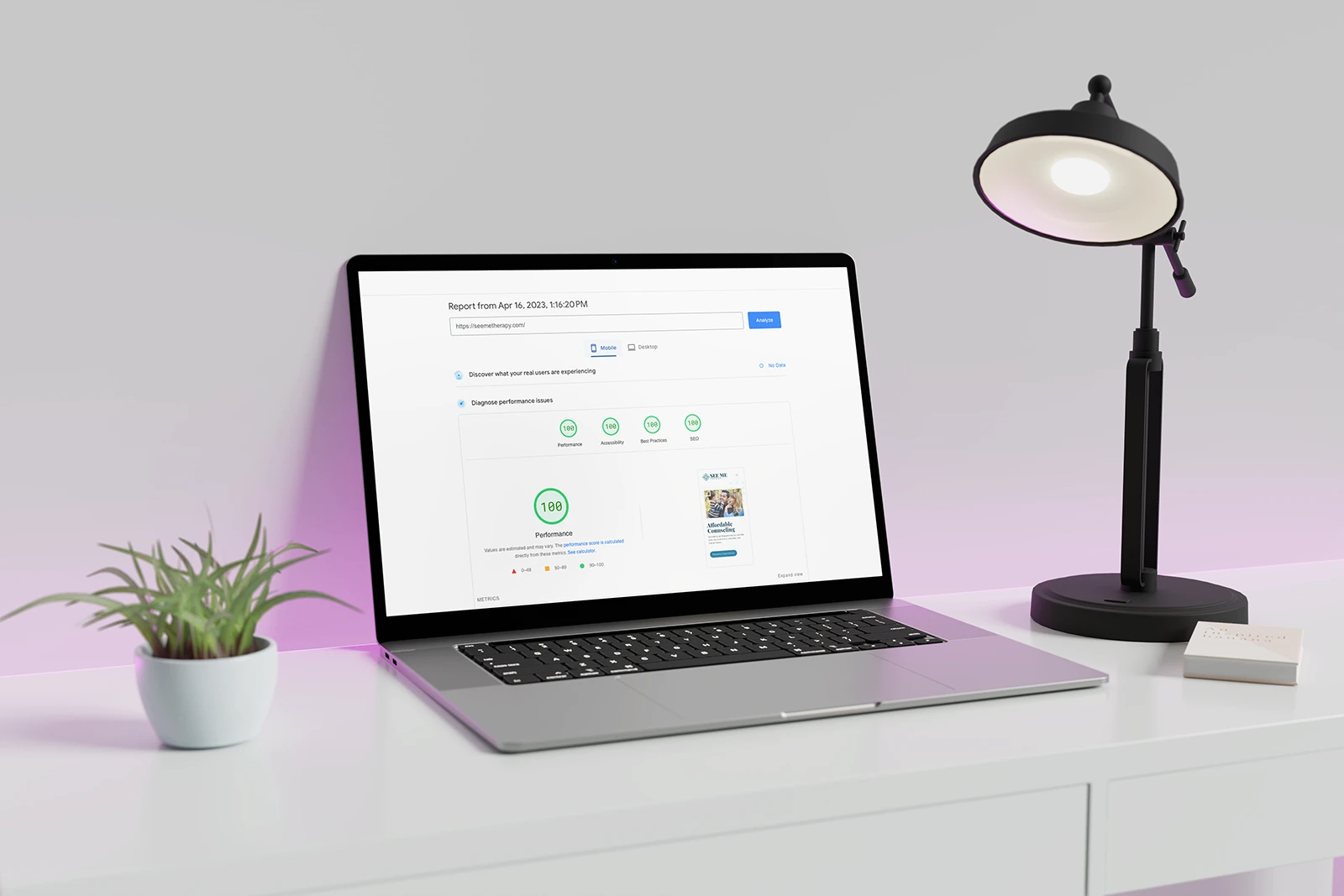
How the WordPress Block Editor Outperforms Popular Page Builders
Discover how the WordPress block editor can lead to faster, higher-performing websites compared to popular page builders.
Refreshing a Blog for a WordPress Legend!
It's not every day you get to work with a legend in your industry. In this article I'll show you how I transformed the blog of one of the most important contributor's in WordPress' history!

How to Convert Your Website to Blocks
Learn how to convert your website from an old, outdated page builder to a lightning-fast block-based website!




